COST & USAGE
See what your AI costs, by department and by scenario
Know which teams and which uses drive your AI spend, stop the automation that wastes it, and put the budget into high-value work.
Control AI costs by department and by scenario.
Qastel shows what each department spends on AI and on which scenarios, so your budget goes to high-value work and wasteful automation gets stopped.
Cost by department and scenario
See what each team spends, on which AI systems and for which kinds of task, instead of one total on a bill.
Stop runaway automation
A sharp rise on one model usually means an automation is looping or running for nothing. Qastel shows the spike, so you can stop it before it bills you all month.
Put your AI budget into high-value work
See which scenarios the money goes to, so you can fund the ones that bring real value and cut the rest.
How Qastel does it
How it works, step by step.
Step 1
Connect your identity provider
Qastel learns who works in which department, so every AI cost can be traced to a team.
Step 2
Add the desktop agent and your AI gateway
The desktop agent sees the AI your people use in browsers and apps, including shadow AI. The AI gateway counts and prices the AI your own teams built.
Step 3
See cost by department and scenario
Qastel combines the three sources into one view: who uses AI, on which system, for which kind of task, and what it costs.
Step 4
Cut the waste and fund what works
Spot the automation that costs a lot for little value, stop it with a policy, and move the budget to the scenarios that pay off.
One view of AI spend
See which teams and which uses drive your AI spend.
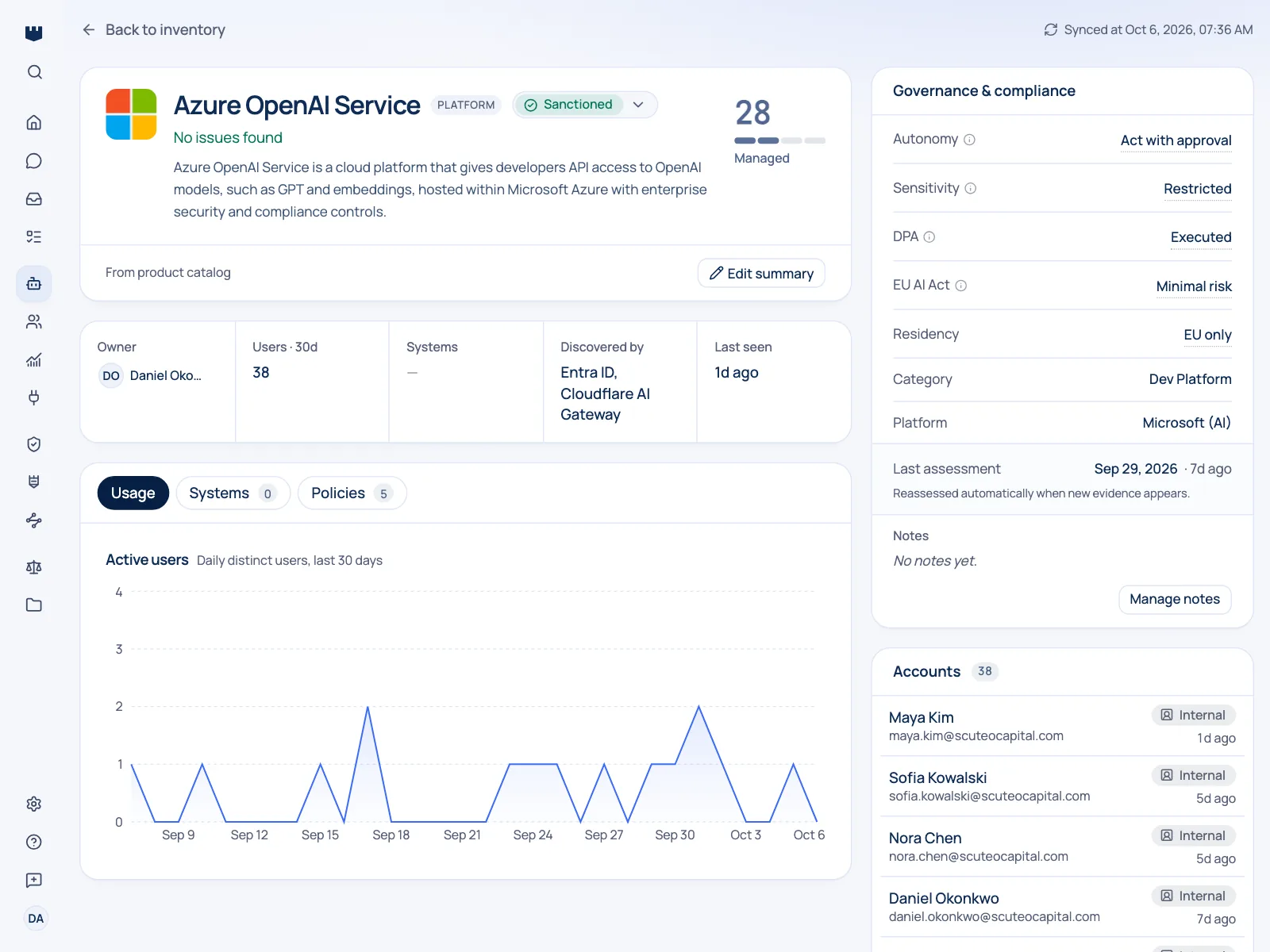
Qastel combines three sources: your identity provider for who works in which department, the desktop agent for the AI your people use every day, and your AI gateway for what the AI your teams built costs.
- Spend by department, by AI system and by scenario
- Automation that costs a lot for little value stands out
- Cost sits next to the owner and the risk of each AI system
Questions people ask.
Do you see what our applications send to the model?
No. For cost, Qastel reads usage reporting from your gateway: model, volume, duration, outcome and cost. The content of prompts and responses is not stored.
How do we stop an automation that wastes money?
The cost view shows which automation spends a lot for little value. You then write a policy in plain language to limit or block it, and Qastel enforces it wherever that AI runs.
Are these your cost figures or our provider's?
Your gateway's. Qastel reports what it reports, so the numbers reconcile with your own view.
What about model calls that bypass the gateway?
The desktop agent still sees that usage on your people's machines, so it shows up in Qastel. Exact cost figures come from the gateway, which is a good reason to make it the standard route.
Can we see spend by team?
Yes. Your identity provider tells Qastel which department each person belongs to, and every AI system has an owner, so cost can be read by team.
Will this create duplicate entries for AI we already track?
No. Usage attaches to the AI system it belongs to and adds detail to an existing entry.
See it in action.
Get a 30-minute overview of how Qastel discovers, assesses and controls the AI used across a business.