- AI gateways
- Read-only
Cloudflare AI Gateway and Qastel
See what your own AI applications are doing: which models they call, how much they use, and what it costs.
Why internally built AI is the blind spot
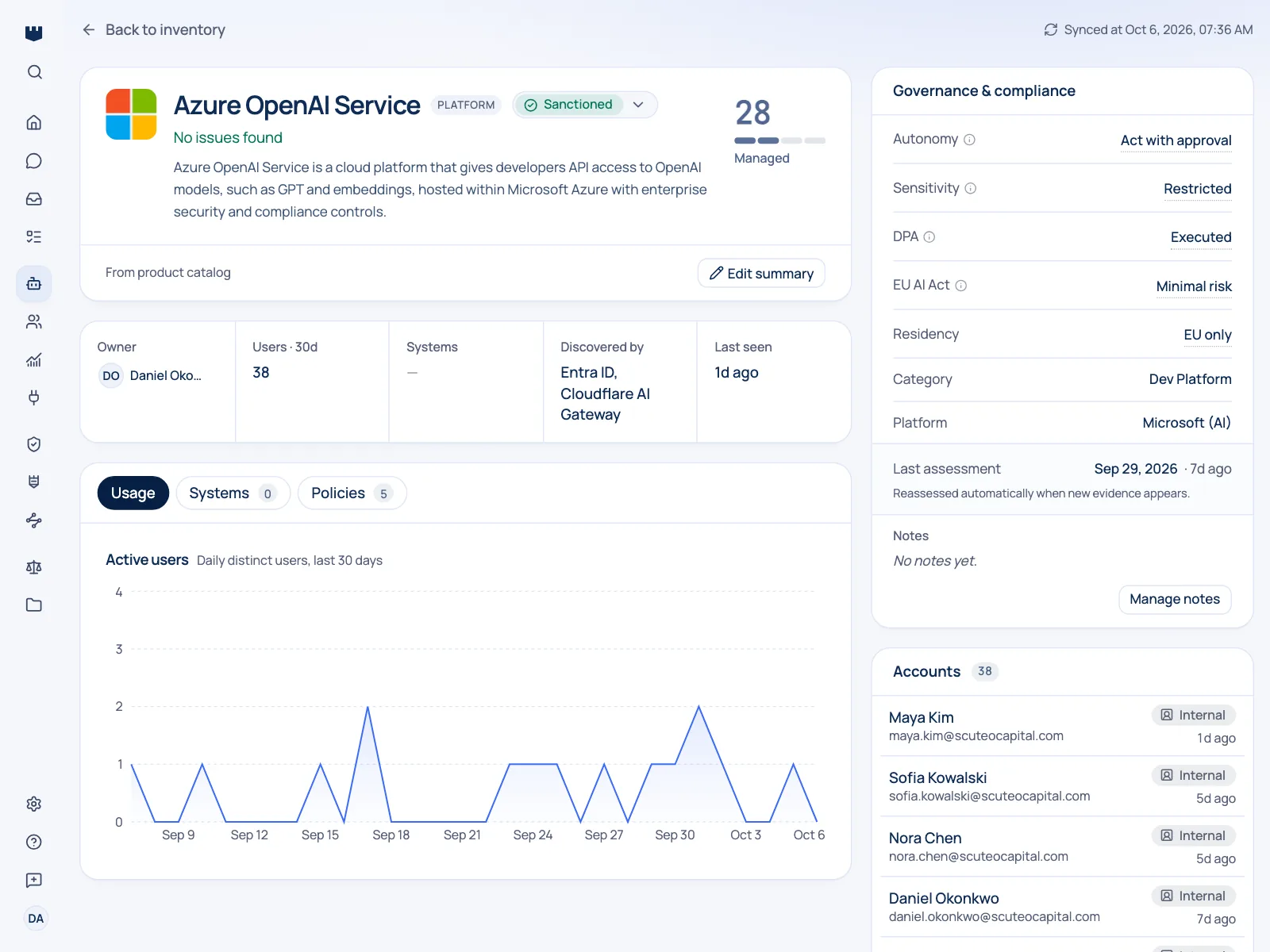
The AI you built is the half of the estate nobody inventories. There is no vendor page and no login to detect: just an application calling a model, and a bill that grows. When those calls go through Cloudflare AI Gateway, Qastel turns them into a governed AI system with usage and cost attached.
Nobody bought the internal support-triage assistant. An engineer wired it to a model and shipped it. It has no supplier record, no security review, and no entry on any list, but it handles real data every day and costs real money every month.
A gateway is where it becomes visible
A gateway is where that becomes visible. Every call through it records which model was used, how much was consumed, how long it took, whether it worked, and what it cost.
What you get
Discover, assess, control, comply.
What Cloudflare AI Gateway gives Qastel, at each of the four stages.
Discover
The AI your own teams built, surfaced from the traffic it generates rather than from a survey nobody fills in.
Assess
Usage and spend per model, so the expensive and the busy are immediately obvious.
Control
Failures and error rates shown alongside the cost they are still generating.
Comply
Internally built AI carries an owner, a risk assessment, and a data-handling record like any purchased tool.




From traffic to a governed system
Qastel turns that into something you can govern: a named AI system with an owner, a risk assessment, and its usage and spend attached, including in-house services that would otherwise appear as an anonymous address on a bill.

What Qastel reads
From Cloudflare AI Gateway
- Every request through the gateway
- Its provider, model and tokens
- Cost, duration and status
Read-only. Nothing is written back.
Connect Cloudflare AI Gateway
Connects with a read-only Cloudflare token, your account ID, and the gateway name. Qastel checks it works before saving and never changes your gateway configuration.
What you need before you start
- A Cloudflare AI Gateway that is receiving traffic
- Your Cloudflare account ID and the gateway's ID, and the right to create an API token
In Qastel, open Connectors and choose Cloudflare AI Gateway.
Follow the Create token link, which opens Cloudflare with the AI Gateway (read) permission already selected, and copy the token.
Paste the token, your account ID and the gateway ID, then connect.
See what Cloudflare AI Gateway already knows about your AI.
Read-only, in minutes. Nothing is ever written back.