- Endpoint
- Enforces policy
Qastel Browser Extension
See the AI tools people actually use, personal accounts included, and apply your policies before a message is sent.
Why the browser is the surface that cannot be argued with
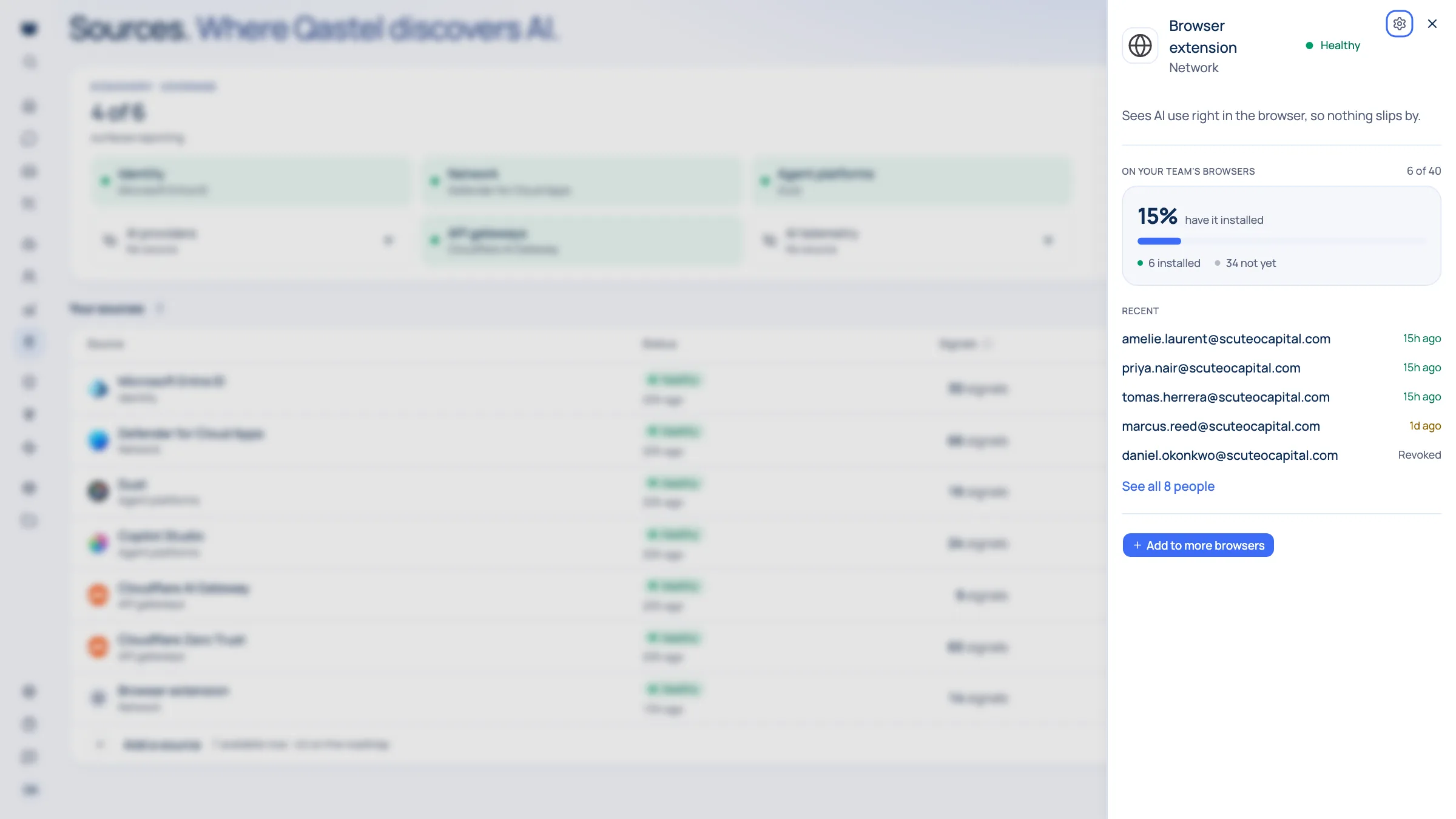
Some AI use never crosses your network or your identity provider. Someone opens a tab, signs in with a personal address, and gets to work. The Qastel extension runs in your managed browsers, recognises the AI tools being used, and tells you whether the account behind them is a work account or a personal one. On the AI tools it supports for enforcement, it also applies your policies to each message before it is sent.
Everything else infers. Your directory sees an approval. The network sees a destination. A gateway sees an application call. The browser sees the tool being used, on a device you manage, by someone you employ.
Whose account is this?
It also answers the question no other surface can: whose account is this? When someone signs into a known AI tool, Qastel tells you whether it is a work account or a personal one, and flags the personal ones, because that work sits outside your tenant, your contracts, and your retention rules.
What you get
Discover, assess, control, comply.
What the Qastel Browser Extension adds, at each of the four stages.
Discover
AI tools used on managed devices, whatever network they are on and whoever they are signed in as.
Assess
Work account or personal account, told apart and flagged, with personal use raised for attention.
Control
Your policies applied to each message in the browser (allow, redact, warn or block) before it is sent, on work and personal accounts alike.
Comply
Evidence that work is not quietly leaving the business through a personal AI account.




Enforcement where people type
For the AI tools Qastel supports for enforcement in the browser, ChatGPT, Claude and Perplexity among them, the extension checks each message against your policies before it is sent, and on some it checks the reply too. Your policies decide the outcome: let it through, redact the sensitive parts, ask the person to confirm, or block it with your message. A policy still in monitoring records what it would have done and changes nothing.
What Qastel reads
From Qastel Browser Extension
- The AI tools a managed browser reaches
- Whether the account is work or personal
- Messages sent to supported AI tools
Your policies decide what passes, in and out. Every decision is recorded.
Deploy the Qastel Browser Extension
Deploys through Intune or your existing device policy and enrols itself with a token from Qastel. No supplier credentials, no user set-up, and nothing for employees to do.
What you need before you start
- A managed Chrome or Edge fleet you can push an extension policy to
- Admin rights in whichever tool does that pushing: Intune, group policy, or another MDM
In Qastel, open the Browser Extension connector and create an enrolment token.
Push the extension and that token to your fleet through the device policy you already use.
See what your AI is doing, wherever it runs.
Your policies, applied where the AI runs. Every decision recorded.